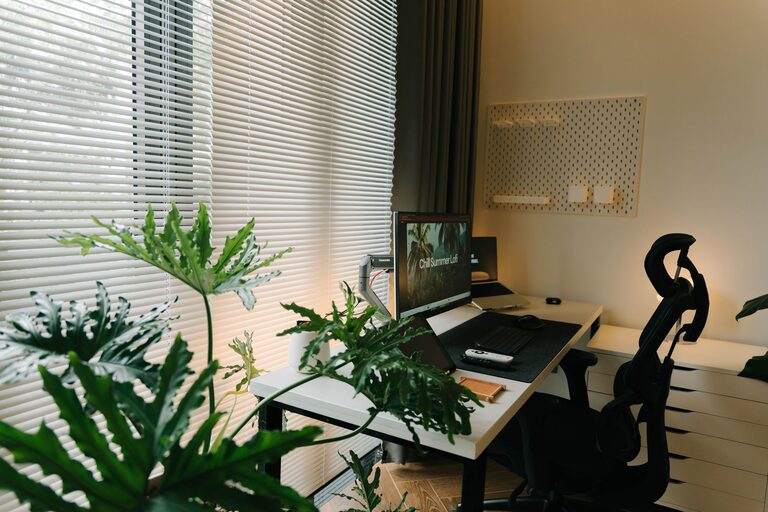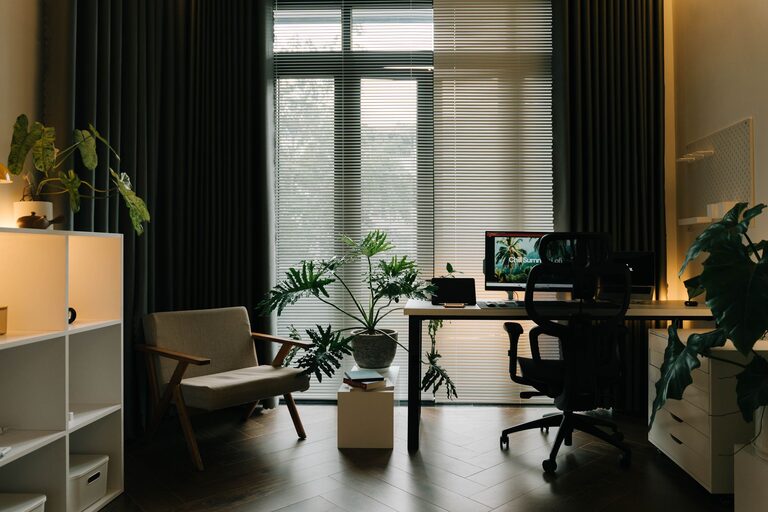
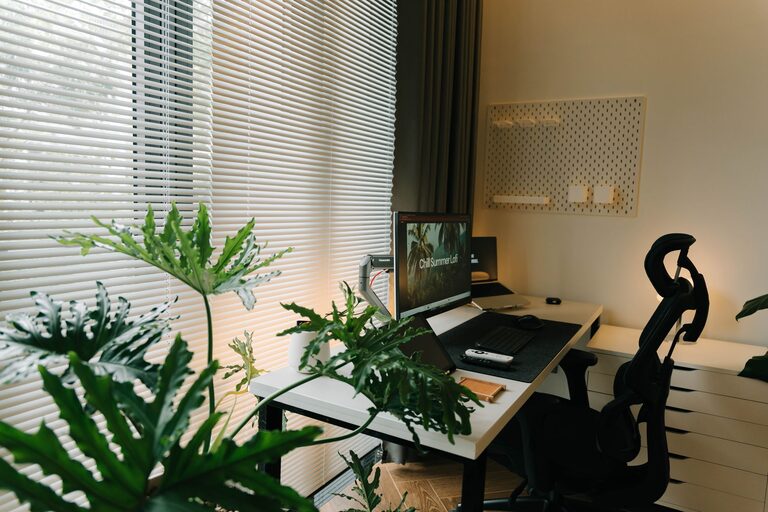
Creating a productive home office environment is essential for anyone working remotely or managing tasks from home. A well-designed workspace can improve focus, reduce distractions, and boost overall efficiency. Whether you have a dedicated room or a small corner, these tips will help you craft a home office that supports your best work.
1. Choose the Right Location
Selecting the ideal spot for your home office is the first step toward productivity. Consider areas of your home that are:
– Quiet and low-traffic: Avoid places near noisy appliances or household activity to minimize interruptions.
– Well-lit: Natural light is best for reducing eye strain and improving mood. If natural light is limited, invest in good quality task lighting.
– Comfortable in terms of temperature: Make sure the spot is not too cold or hot to stay comfortable during long work hours.
If space is limited, try to designate a specific corner or nook exclusively for work, helping signal to your brain that it is “work time” when you enter.
2. Invest in Ergonomic Furniture
Ergonomics is about designing your workspace to fit the needs of your body, preventing discomfort and long-term health problems.
– Chair: Choose an adjustable office chair with good lumbar support. Sitting comfortably helps maintain focus and prevents back pain.
– Desk: Pick a desk that suits your work style, whether you need ample surface space or a compact setup. Adjustable desks that allow you to alternate between sitting and standing can be beneficial.
– Monitor height: Position your screen so your eyes are level with the top of the monitor to reduce neck strain.
Taking time to select ergonomic furniture will pay off in health and productivity.
3. Organize Your Workspace
A cluttered desk can lead to a cluttered mind. Keep your workspace neat and organized by:
– Decluttering regularly: Remove unnecessary papers, gadgets, and items that do not contribute to your work.
– Using storage solutions: Drawers, shelves, and desk organizers can keep essentials within reach but out of sight.
– Keeping essential tools handy: Things like pens, notepads, chargers, and planners should be easily accessible.
A clean workspace helps you stay focused and reduces time wasted searching for supplies.
4. Minimize Distractions
Working from home presents unique challenges with distractions from family, pets, or household chores. Try these strategies:
– Set boundaries: Communicate your work hours and space rules to family or housemates.
– Use noise-canceling headphones: These help block out background noise and enhance concentration.
– Turn off non-essential notifications: Silence social media and other apps during focused work periods.
Creating an environment where distractions are controlled will help maintain productivity.
5. Personalize Your Space
Adding personal touches can make your home office feel inviting and inspiring.
– Add plants: Indoor plants can improve air quality and add a calming, natural element to your workspace.
– Display art or motivational quotes: Visual inspiration can boost your mood and motivation.
– Use colors you enjoy: Consider painting your wall a soothing or stimulating color, based on what helps you focus.
Personalizing your office makes it a place you want to spend time in.
6. Optimize Technology and Connectivity
Having reliable technology is crucial for smooth workdays.
– Strong internet connection: Ensure your Wi-Fi is stable and fast enough for video calls and data transfer.
– Quality peripherals: A good keyboard, mouse, and webcam improve comfort and communication.
– Cable management: Use clips or sleeves to keep cords organized and prevent tangling.
Investing in tech that supports your workflow reduces frustrations and downtime.
7. Establish a Routine and Breaks
Productivity is not just about the physical environment but also about habits.
– Set regular work hours: Treat your home office like a professional space with consistent start and end times.
– Schedule breaks: Taking short, frequent breaks helps avoid burnout. Use techniques like the Pomodoro method (25 minutes of work followed by 5-minute breaks).
– Create a transition ritual: Start and finish your workday with simple routines like making a to-do list or shutting down your computer to signal work mode changes.
A structured routine encourages focus and work-life balance.
8. Manage Lighting and Ambience
Lighting plays a big role in how alert and comfortable you feel.
– Maximize natural light during the day: Position your desk near a window if possible.
– Use task lighting: Adjustable desk lamps can provide focused light for reading or detailed work.
– Avoid harsh overhead lighting: Soft, diffused lighting reduces glare and eye strain.
Consider adding a dimmer or different types of lighting to create a balanced, pleasant environment.
—
Creating a productive home office takes planning and ongoing attention, but small changes can make a big difference. Tailor your space and habits to what works best for you, and enjoy the benefits of working more efficiently from home.